「Google は、GCP 利用者の暗号化とキー管理に関するユース ケース全てを Cloud KMS の導入でカバーしました。Cloud KMS は、マルチテナント型クラウド サービスでも暗号化キーの管理を可能にし、オンプレミスのキー管理システムや HSM のメンテナンスの必要をなくすことで、ギャップを埋めたのです。」 — Garrett Bekker, Principal Security Analyst at 451 Research
「Google は、デフォルトで行われる暗号化がどのようなものか明確にしていますし、Cloud KMS は、ベスト プラクティスの実装を容易にしてくれます。たとえばキーの自動ローテーション機能が、キーをオーバーヘッドなく頻繁にローテーションしてくれることは、社内コンプライアンスの要求にも適合します。頻繁に行うオペレーションにも、低レイテンシの Cloud KMS であれば利用できます。結果として、暗号化すべきデータの範囲を機密データだけでなく、インデックス化の必要もない運用データにまで広げました。」 — Leonard Austin 氏、Ravelin の CTO
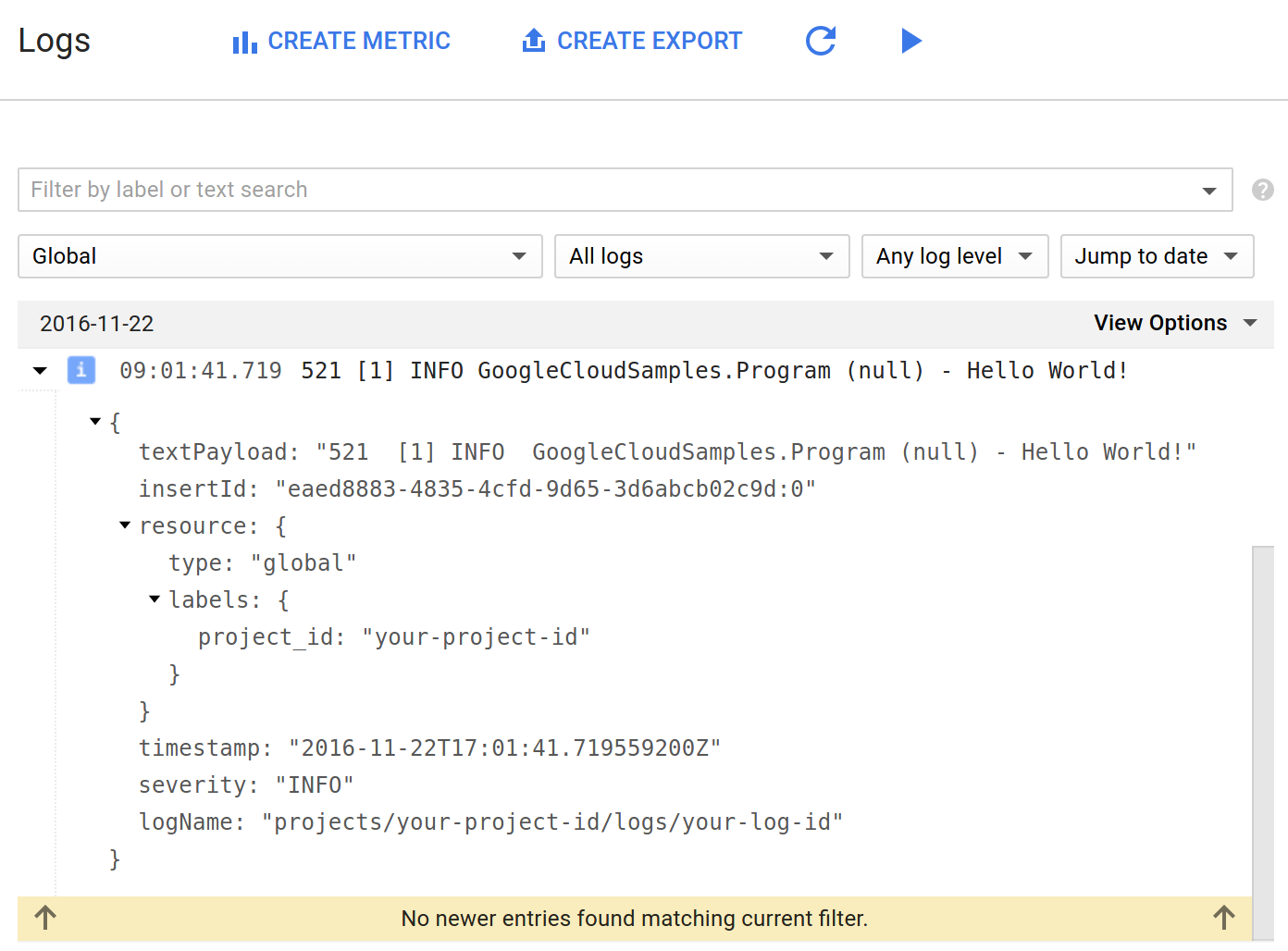
textPayload: “Successfully sent to Google Cloud Logging API”
<configuration>
  <configSections>
    <section name="log4net" type="log4net.Config.Log4NetConfigurationSectionHandler, log4net" />
  </configSections>
  <log4net>
   <appender name="CloudLogger" type="Google.Cloud.Logging.Log4Net.GoogleStackdriverAppender,Google.Cloud.Logging.Log4Net">
     <layout type="log4net.Layout.PatternLayout">
       <conversionPattern value="%-4timestamp [%thread] %-5level %logger %ndc - %message" />
      </layout>
      <projectId value="YOUR-PROJECT-ID" />
      <logId value="mySampleLog" />
    </appender>
    <root>
     <level value="ALL" />
     <appender-ref ref="CloudLogger" />
    </root>
  </log4net>
log4net.Config.XmlConfigurator.Configure();
  protected void Application_Start()
{
    GlobalConfiguration.Configure(WebApiConfig.Register);

    // Configure log4net to use Stackdriver logging from the XML configuration file.
    log4net.Config.XmlConfigurator.Configure();
}
using log4net;
// Retrieve a logger for this context.
ILog log = LogManager.GetLogger(typeof(WebApiConfig));

// Log some information to Google Stackdriver Logging.
log.Info("Hello World.");
using Google.Cloud.Diagnostics.AspNet;
public static void Register(HttpConfiguration config)
{
    // Add a catch all for the uncaught exceptions.
    string projectId = "YOUR-PROJECT-ID";
    string serviceName = "NAME-OF-YOUR-SERVICE";
    string version = "VERSION-OF-YOUR-SERVICE";
    // Add a catch all for the uncaught exceptions.
    config.Services.Add(typeof(IExceptionLogger),
        ErrorReportingExceptionLogger.Create(projectId, serviceName, version));
}